A working AI pipeline treats moodboarding as four connected stages, not one clever tool.
Moodboarding looks like a quick creative warm-up, but it often eats hours: sourcing references, tagging them, aligning stakeholders, and rebuilding the board every time direction shifts. AI can compress that cycle, but only when it's wired into a deliberate pipeline rather than dropped in as a one-off image generator. Here's what that pipeline actually looks like, and where the time savings are real versus overstated.
What a Moodboard Pipeline Is Actually Made Of
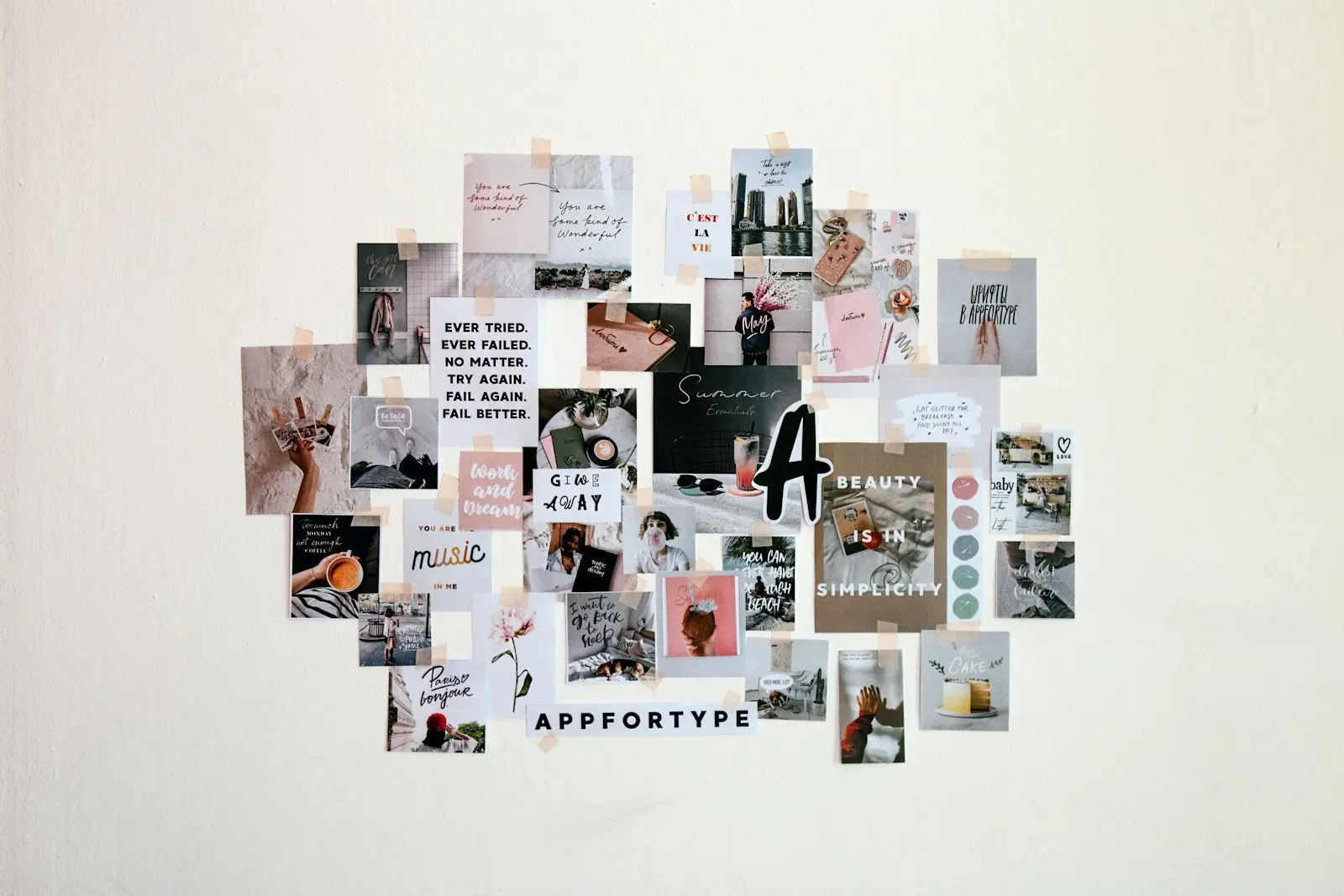
A moodboard workflow has distinct stages worth separating before adding AI anywhere: reference gathering, style extraction, generation or curation of new options, board arrangement, and stakeholder feedback. AI tools tend to be strong at one stage and weak at another, so automating just one stage moves the bottleneck instead of removing it. Time saved has to be measured stage by stage. A fast generation step means nothing if curation still takes as long as before.
Generative Tools as Reference Expansion, Not Finished Assets
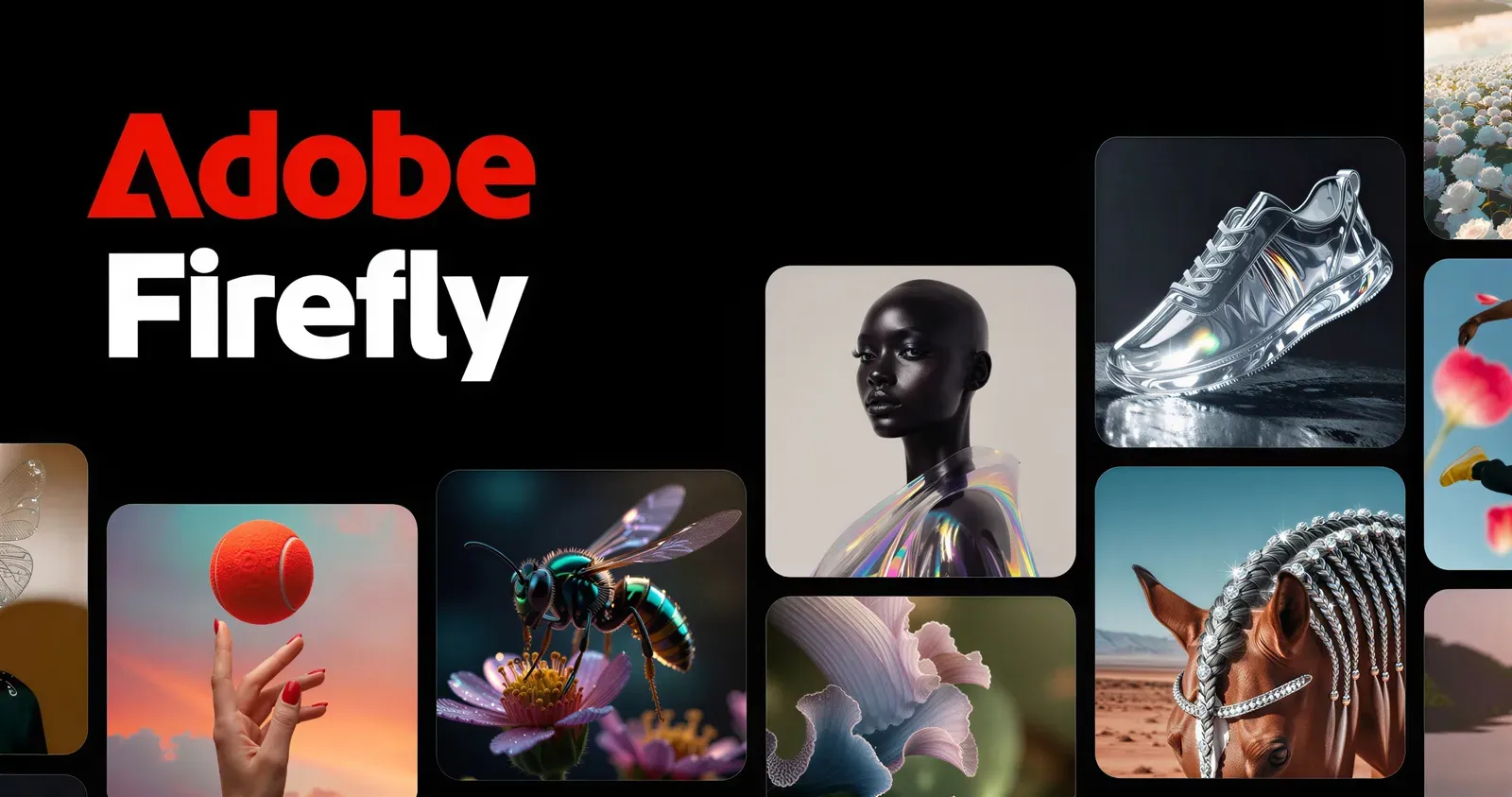
Tools like Midjourney and Adobe Firefly are best used early, expanding a mood into many variations from a short prompt for divergent exploration. Firefly's documented approach to training data licensing matters here, since moodboard outputs sometimes inform commercial assets later. The caveat: generative tools suggest texture and palette well, but they don't understand a brand's existing equity, so this stage still needs a tight prompt brief, not an open-ended one.
Where Semantic Search Cuts Real Sourcing Time
Manual searching through stock libraries is where AI shows the clearest, measurable savings. Adobe Stock's visual search and Pinterest's similarity search let designers search by concept rather than exact keyword match. This stage is the highest-leverage automation point precisely because it requires no brand-fit judgment, only visual similarity, making it lower-risk to hand off than final curation.
Board Assembly and Layout Automation
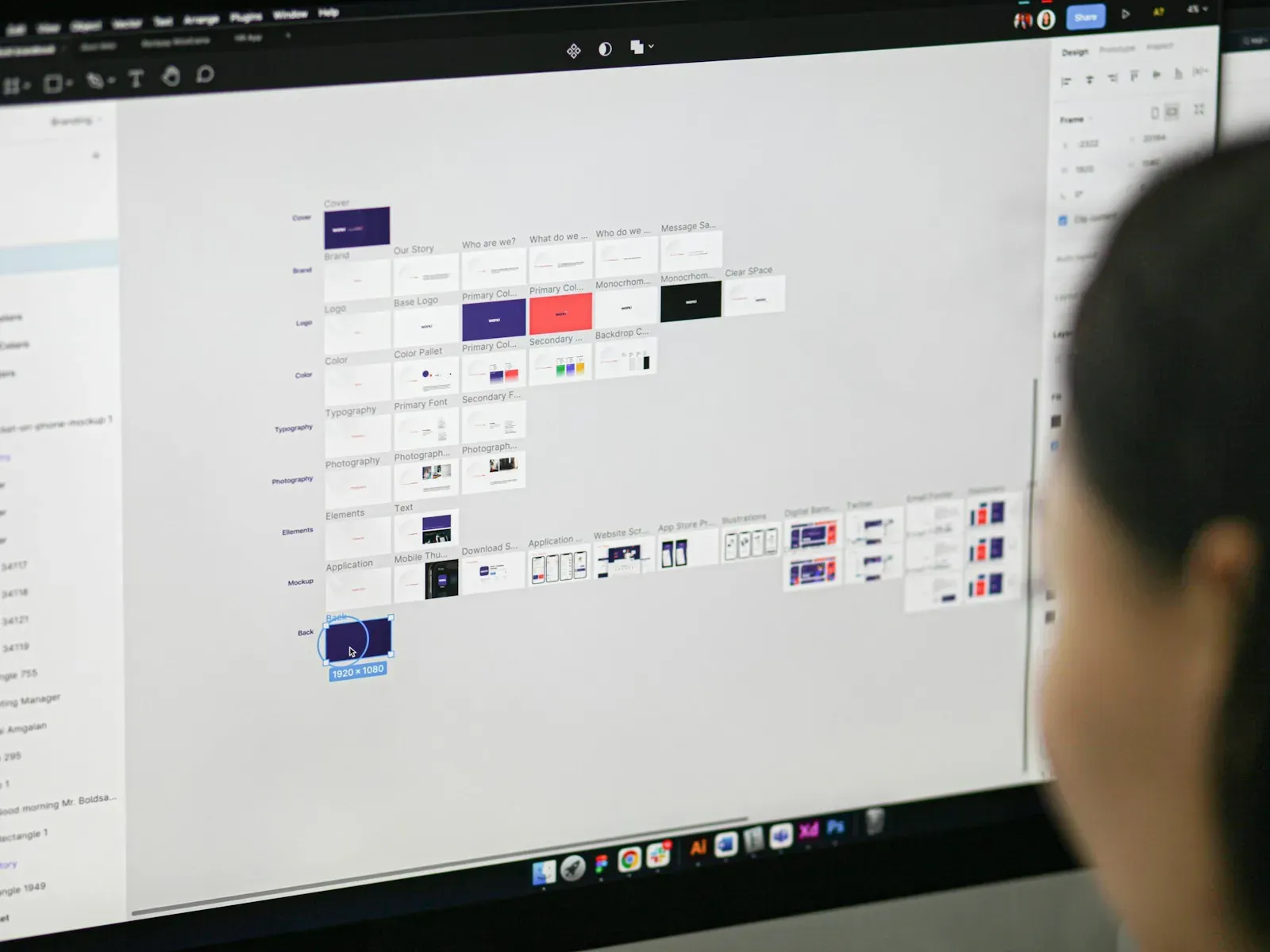
Tools like Milanote and Figma's FigJam serve as the collaborative canvas where AI-sourced and human-sourced images get arranged together. Reusable FigJam templates are what actually turn a one-off exercise into a repeatable pipeline. A saved structure means every new project starts from a consistent frame instead of a blank canvas.
The Curation Bottleneck AI Doesn't Remove
Deciding which images actually communicate a brand feeling to a specific client depends on context, industry, competitors, history, that AI tools don't have access to. A pipeline still needs a human decision gate before presentation, or boards end up visually impressive but strategically off. This is where prompt discipline, encoding brand attributes rather than just aesthetic keywords, becomes the real skill.
Turning It Into a Repeatable System
A genuinely time-saving pipeline is documented: a prompt library tied to brand attributes, a standing template, a fixed sourcing-to-curation sequence. Figma's version history and commenting matter because moodboards go through multiple rounds, and savings compound when feedback tracks against a specific version. The honest claim: AI compresses sourcing and exploration, not curation or stakeholder alignment.
Ready to streamline your team's creative workflow? Start by mapping your current moodboard process into these five stages, then automate only where the risk is lowest.