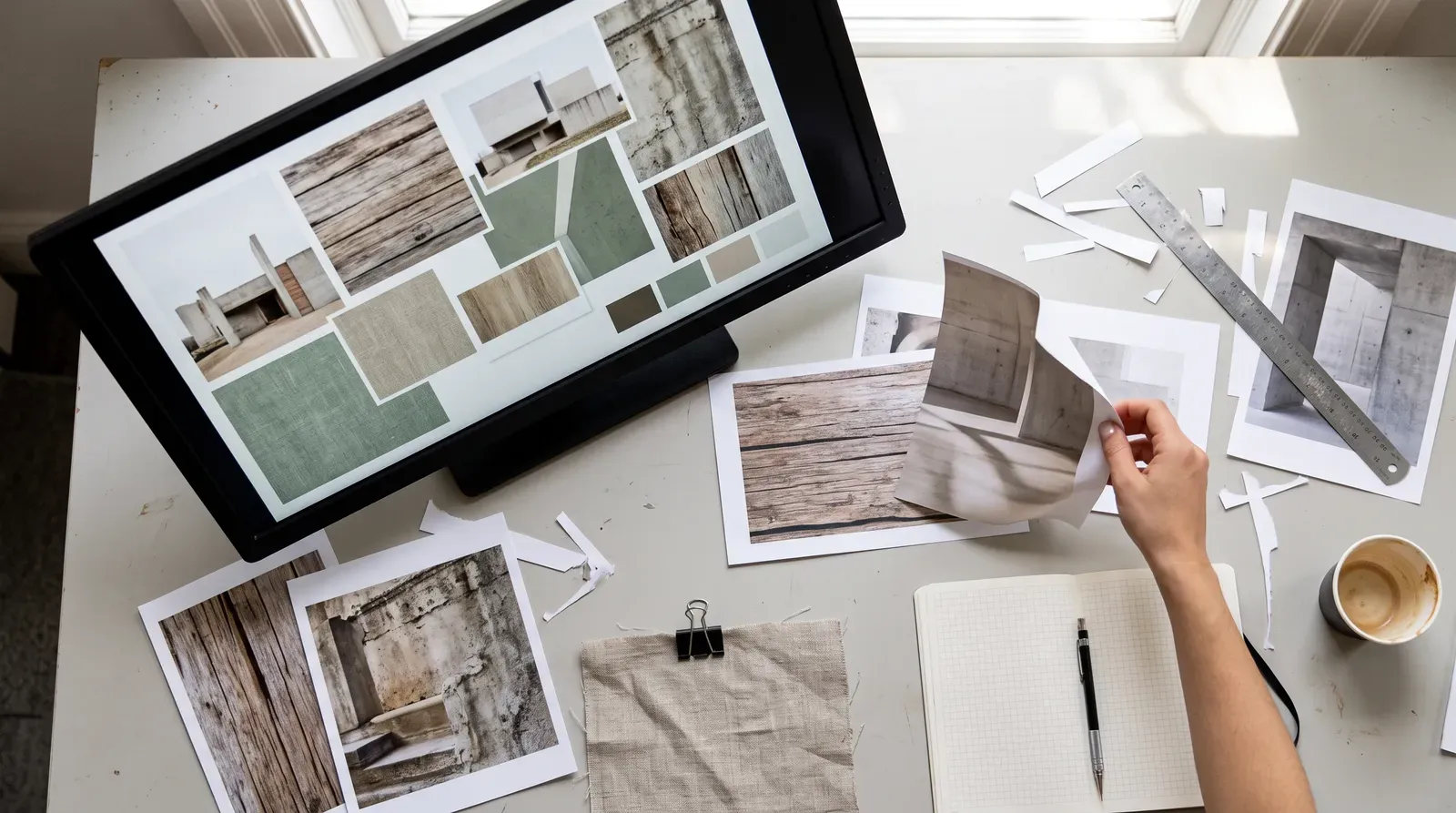
A repeatable AI-assisted moodboarding workflow can speed up exploration, but only if it's built to protect a designer's point of view instead of replacing it.
AI image tools can generate a hundred moodboard directions before lunch. That volume was never the problem designers actually had. Taste, judgment, and a coherent point of view are harder to manufacture, and they're exactly what's at risk when a moodboard pipeline runs on autopilot.
Why AI moodboarding tends to flatten into 'AI look'
Text-to-image models are trained on scraped, aggregated datasets. Left unguided, prompts regress toward the statistical average of that data, producing the smooth, symmetrical, over-lit "AI aesthetic" that shows up across unrelated briefs. A prompt like "moody editorial fashion moodboard" returns generic results because the model has no access to a project's brand strategy or cultural context, only the words typed in. The real risk isn't that AI images look bad. It's that they look interchangeable, which defeats moodboarding's actual purpose: setting a specific, defensible point of view before production starts.
Treat prompting as art direction, not a search query
Strong AI art direction borrows the vocabulary of real photography and print briefs: lens type, film stock, lighting setup, colour grading, paper texture, printing era. That concrete language narrows the model's output space far more than vague mood adjectives. Naming specific photographers, movements, or material processes (referenced conceptually) produces more distinctive results and keeps the moodboard traceable to real visual culture. Negative prompting, excluding common tells like excessive symmetry or glossy skin, is a documented technique in major Midjourney prompting guides for steering away from default outputs.
Anchor the pipeline in the designer's own source material
Image-to-image and style-conditioning features, like Midjourney's image prompts or Adobe Firefly's reference image and style match tools, let a designer feed in their own photography or approved brand assets instead of starting from a blank prompt. Feeding the pipeline with a studio's own archive keeps generated variations tethered to a real, ownable visual language. Firefly's training data is sourced from Adobe Stock, openly licensed, and public domain content, which matters when a team needs to know what a generated image can legitimately support in client work.
Build the pipeline as iteration, not one-shot generation
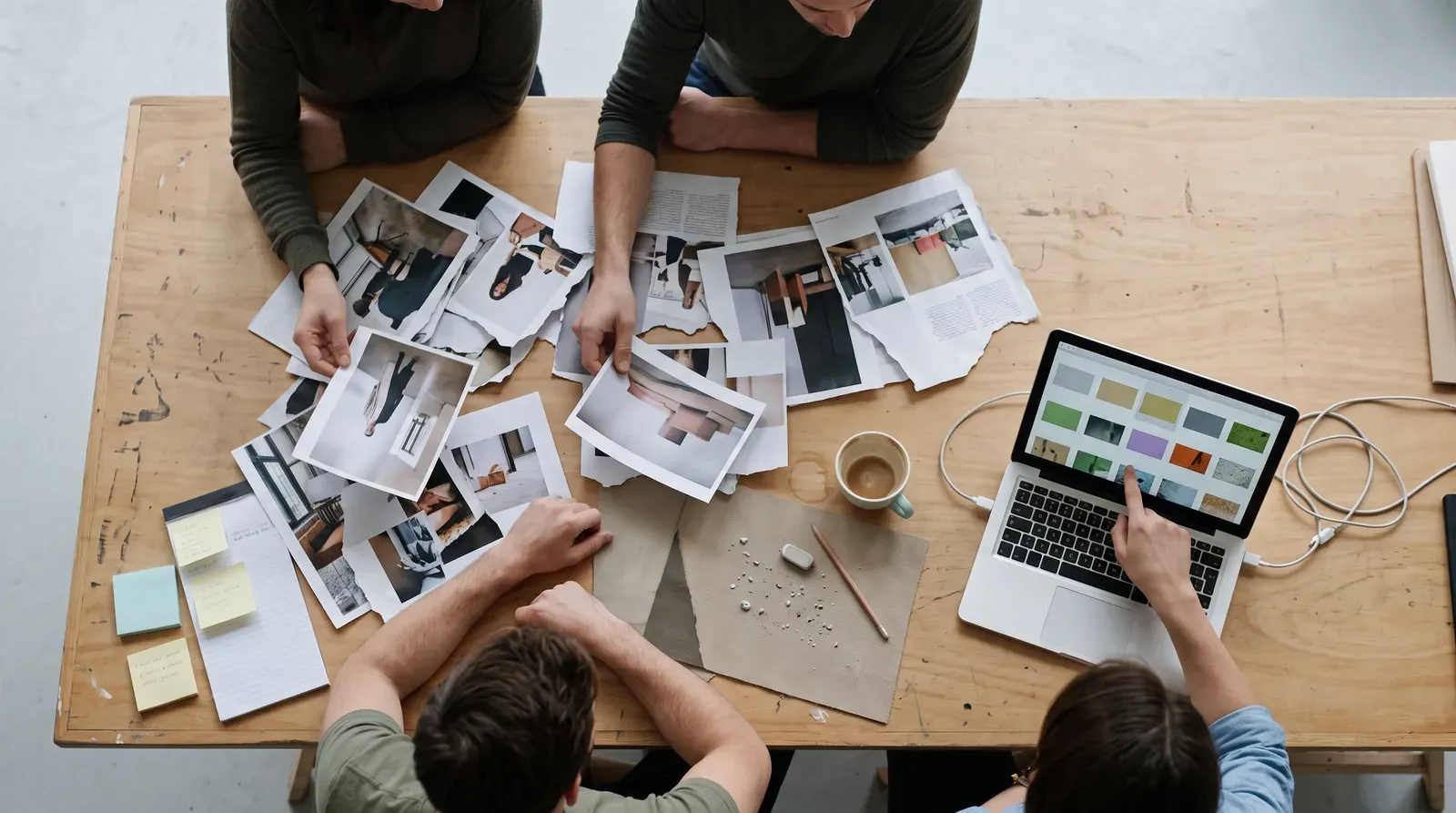
The first generation batch is raw material, not a deliverable. Generate wide, then select, crop, recombine, and hand-edit before anything reaches a client deck. Combine AI-generated frames with real photography, archival scans, or material swatches so AI content becomes one texture among several, not the whole surface. Logging the prompt, seed, and reference images tied to each accepted output lets a team reproduce or evolve a direction later, and answer questions if an art director asks how an image was made.
Know the tool differences before choosing one
- Midjourney favors stylised, art-directed generation with strong style-reference controls, common in early visual exploration.
- Adobe Firefly integrates directly into Creative Cloud (Photoshop, Illustrator, Express) and is marketed on commercially safe training data.
- DALL·E (via ChatGPT or API) emphasises prompt-to-image accuracy and text rendering, with its own content-policy guidelines shaping what can be specified.
Each platform publishes its own commercial-use terms. Build a paid-client pipeline against whichever terms the studio has actually reviewed, not assumed.
Where human judgment still has to do the final work
AI tools don't have access to a brand's strategic position or the emotional register a project needs. That synthesis stays a design task performed on top of generated material. Curation, rejecting most frames and keeping the few with genuine point of view, is what separates an AI-assisted moodboard from an AI-generated one. Adobe's AI ethics principles frame these systems as assistive for good reason: the responsibility for the final creative call sits with the human team.
Build the pipeline, log the process, and never skip the edit. That discipline is what keeps an AI-assisted moodboard looking like your studio's work, not the model's.