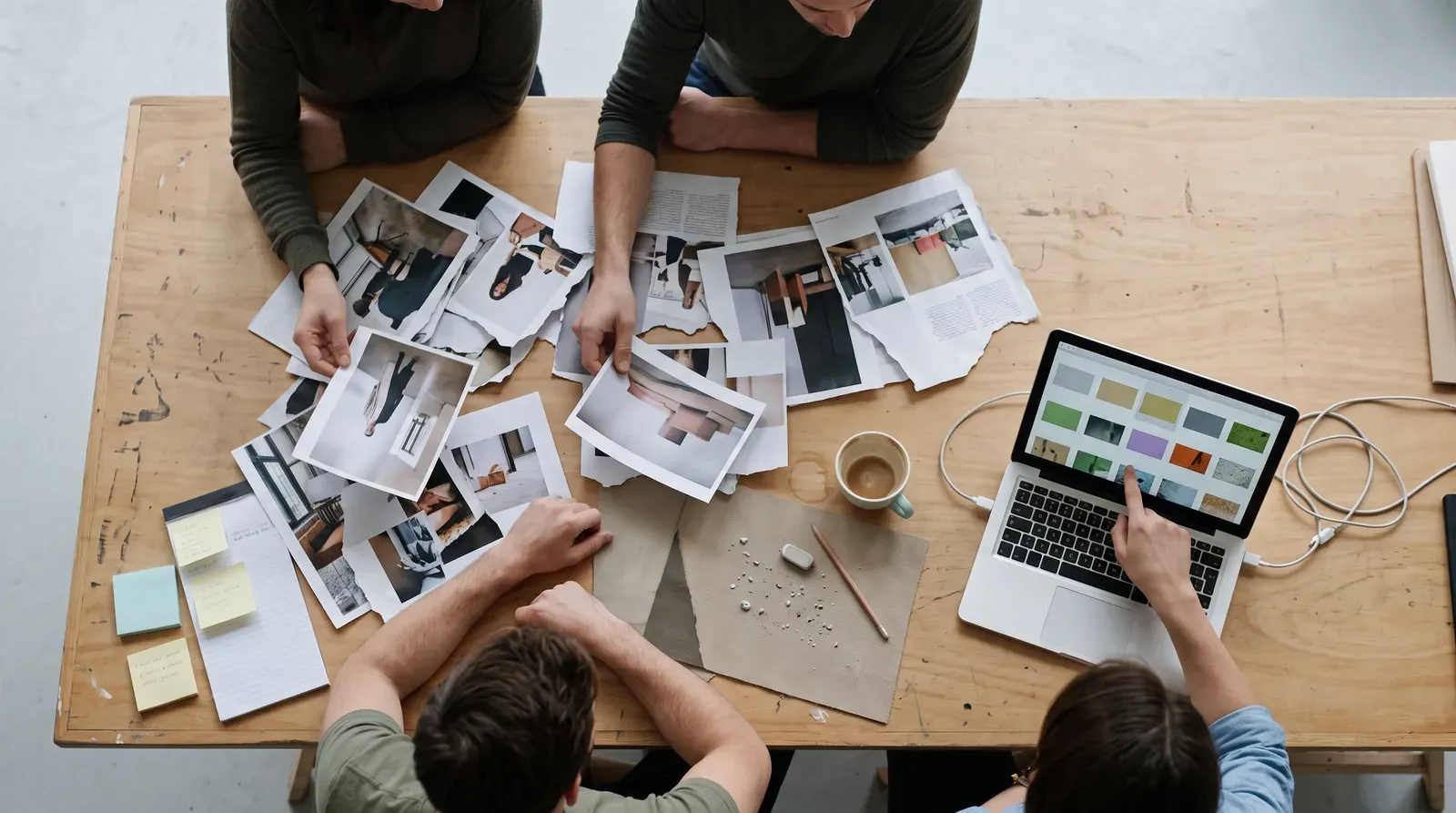
AI can fill a moodboard in minutes, but a moodboard was never supposed to be fast. Here's how to use generative tools without letting them flatten the point of view a moodboard exists to protect.
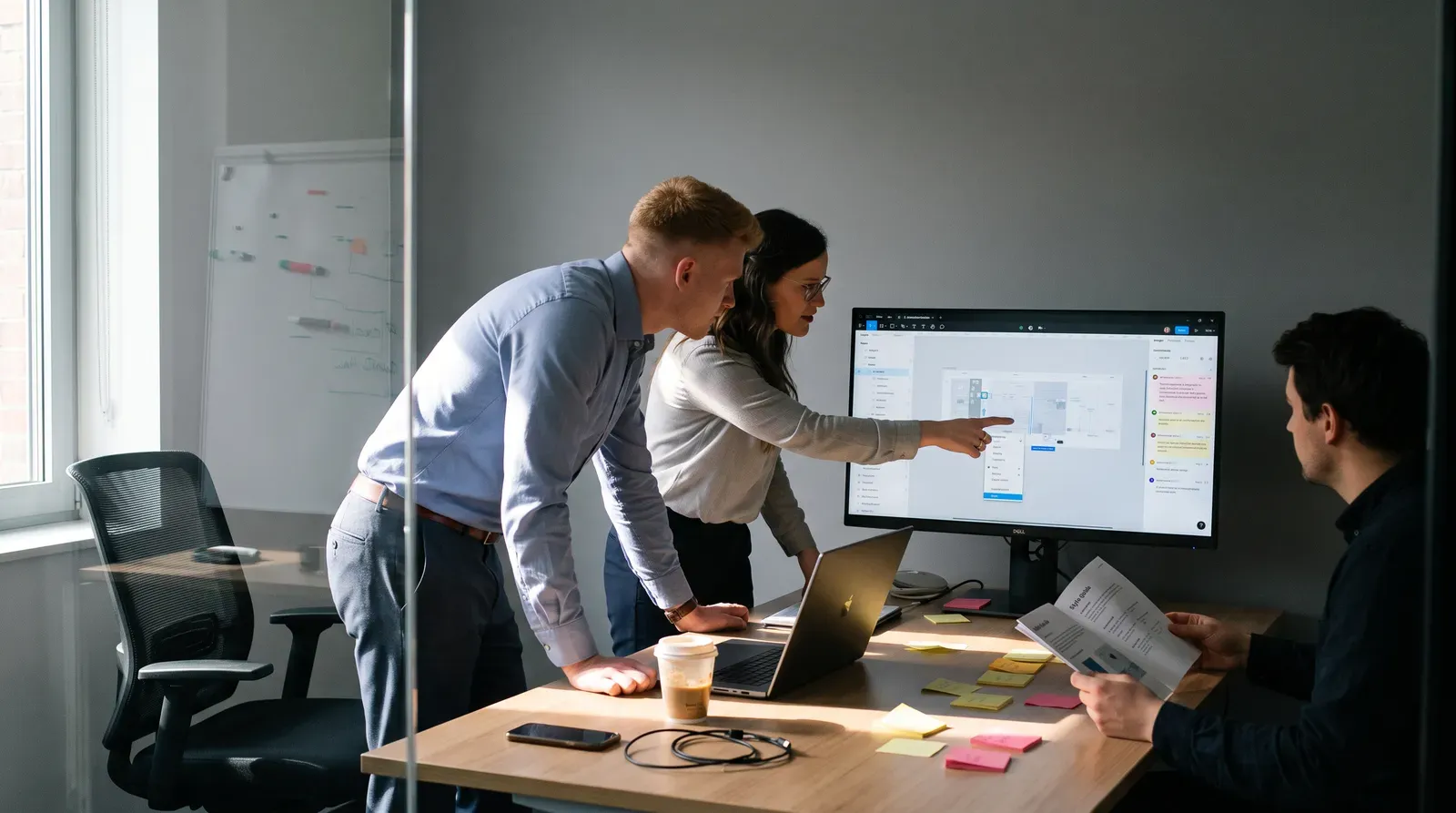
A moodboard's real job is to externalize a point of view and align a team before production starts. When AI generation replaces curation, it's worth knowing exactly where that helps and where it quietly works against you.
What a moodboard is actually for
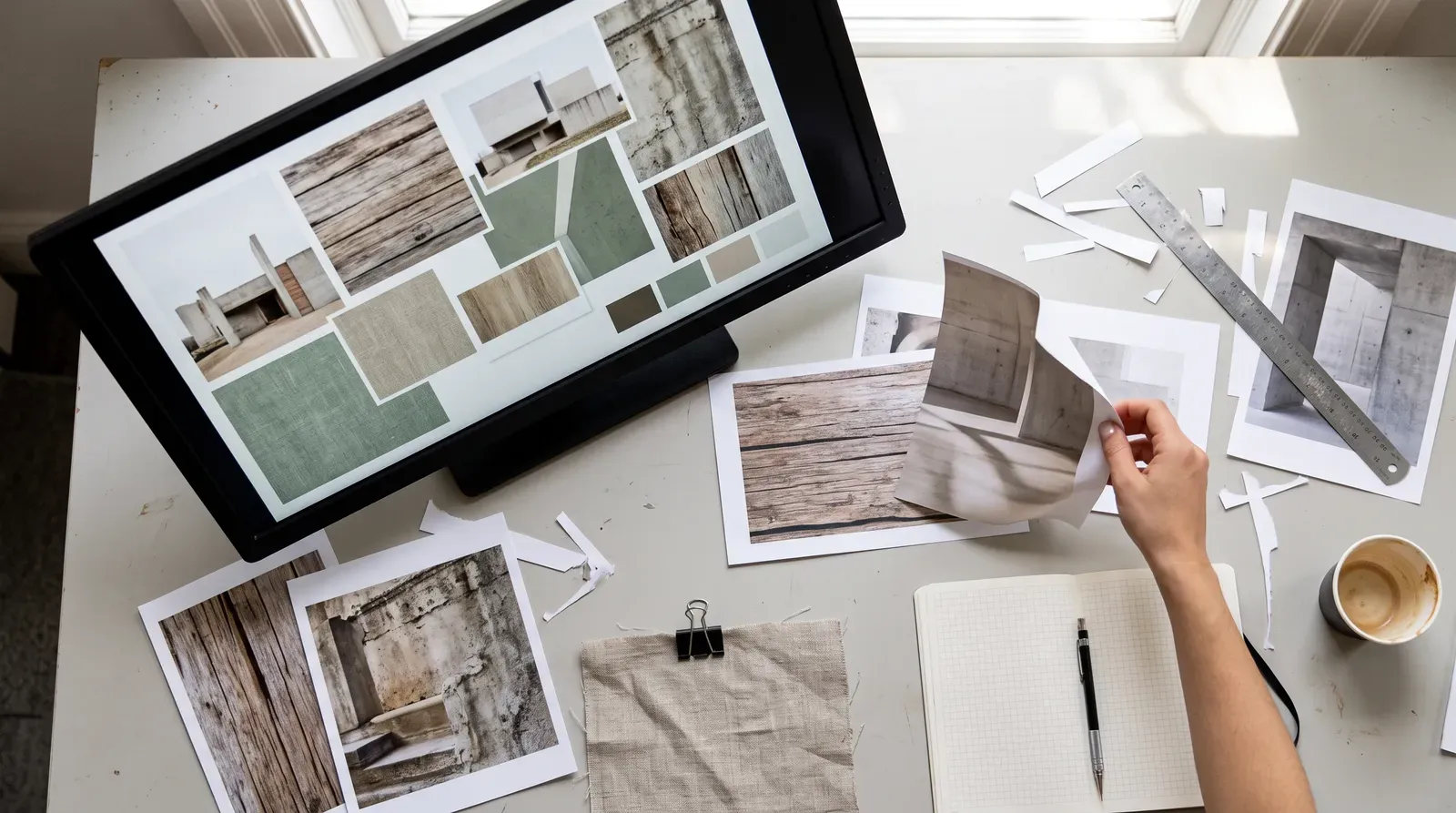
A moodboard isn't meant to produce pretty images. It's meant to show a specific point of view through what a designer chooses, excludes, and juxtaposes. Tools like Pinterest and Milanote were built around collecting and arranging found references, where curation itself is the creative act. Swap that curation for generation, and the board risks becoming a mood output rather than a mood input.
Where AI genuinely helps
Generative tools earn their place at specific moments. Use them for:
- Rapid divergence: Midjourney and Adobe Firefly can produce dozens of directions from one brief, faster than manual sourcing allows.
- Filling reference gaps: visualizing concepts with no real-world precedent yet.
- Translating ambiguous language: turning a vague brief term like "bold but warm" into images a client can point at.
- Reducing licensing risk: Adobe Firefly is trained on Adobe Stock and licensed content, which matters when exploring direction without downstream rights issues.
Where it works against originality
Large models are trained to satisfy prompts with statistically likely outputs, which pushes toward familiar compositions and lighting rather than distinctive ones. Because many designers use similar tools and prompting patterns, independently built AI moodboards can converge on the same look. There's also a provenance problem: unlike a credited photographer or illustrator, generated images carry no clear source, an active concern around models like Stable Diffusion. Worse, AI tends to render finished-looking images that can anchor a client too early, cutting off the open exploration a moodboard is supposed to enable.
A workflow that keeps AI supporting, not leading
- Start with human-sourced references first, real photography, brand work, materials, so the board's perspective exists independent of a model's defaults.
- Bring in AI generation mid-process to stress-test a direction or visualize something that doesn't exist yet.
- Treat every generated image as a prompt for interpretation, not a finished reference. Annotate what quality it represents.
- Add non-AI material late as a check against convergence.
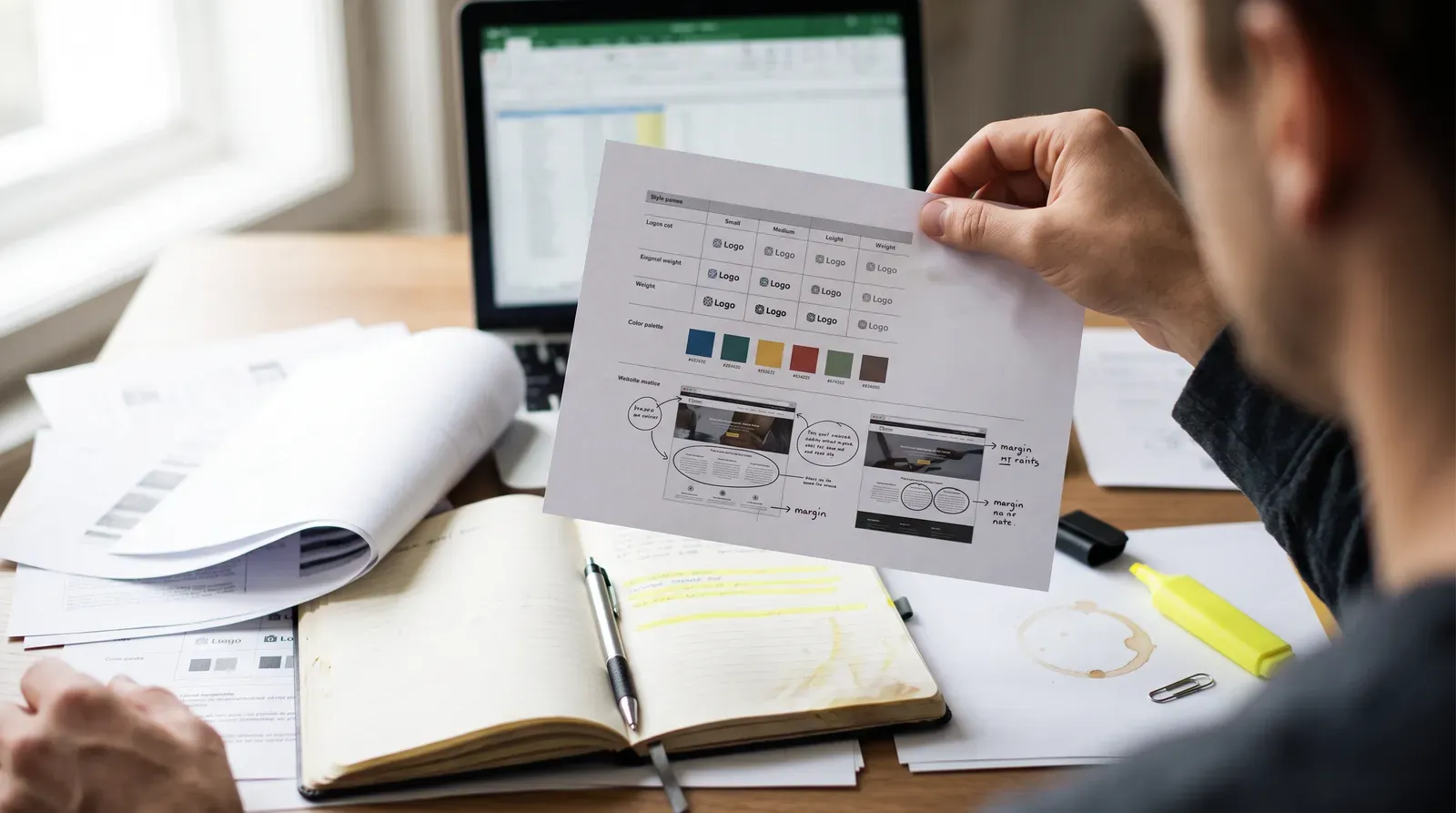
- Keep a written rationale alongside the board so the reasoning survives even when some images were AI-assisted.
Choosing the right tool
Midjourney has a recognizable painterly default style, strong for atmosphere but easy to spot across unrelated projects if left unmodified. Firefly integrates into Photoshop and Creative Cloud, useful for teams who want exploration inside an existing pipeline. ChatGPT's image generation favors conversational refinement, well suited to fast iteration during client conversations. Pinterest and Milanote remain the non-generative infrastructure these tools are layered on top of, not replacing.
Use AI to widen the field, not to make the final call. A moodboard still needs a human holding the point of view.